How‑to
Pair Android TV with a QR Code
Connect Android TV to RocketIPTV using QR pairing so you never type playlist passwords on the remote.
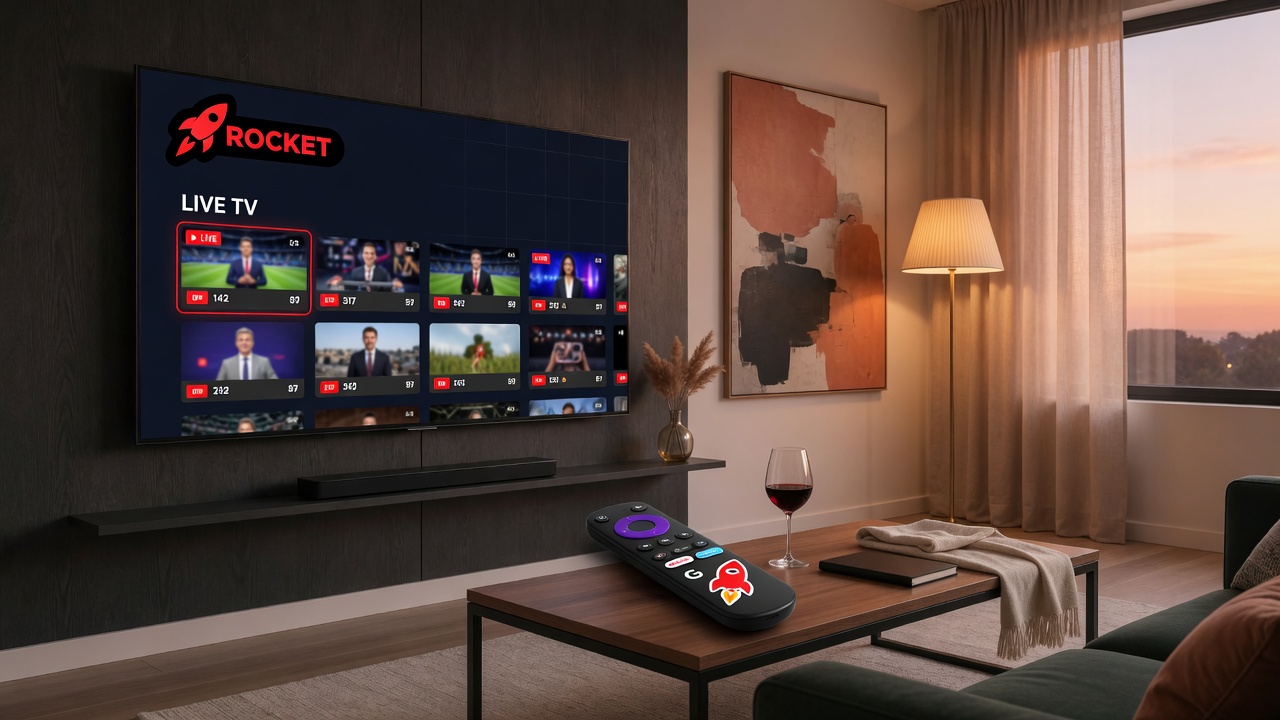
How do you pair Android TV with RocketIPTV using QR? Start pairing on the TV to show a code, claim it while signed in on the web pair page, wait for the TV to finish login, then refresh the catalog. Playlists must already exist on the account for the TV to show channels.
- TV: open RocketIPTV → Pair device.
- Web: open app.rocketiptv.cc/pair while signed in.
- Scan QR or enter session + code.
- TV signs in automatically → refresh catalog.