
Get Started with RocketIPTV in 10 Minutes
Create an account, add your first playlist, pair a device, and play live TV on RocketIPTV.
Open guide →How‑to
Numbered steps for playlist setup and device pairing. For the “why,” follow links into the blog.
Create an account, add your first playlist, pair a device, and play live TV on RocketIPTV.
Open guide →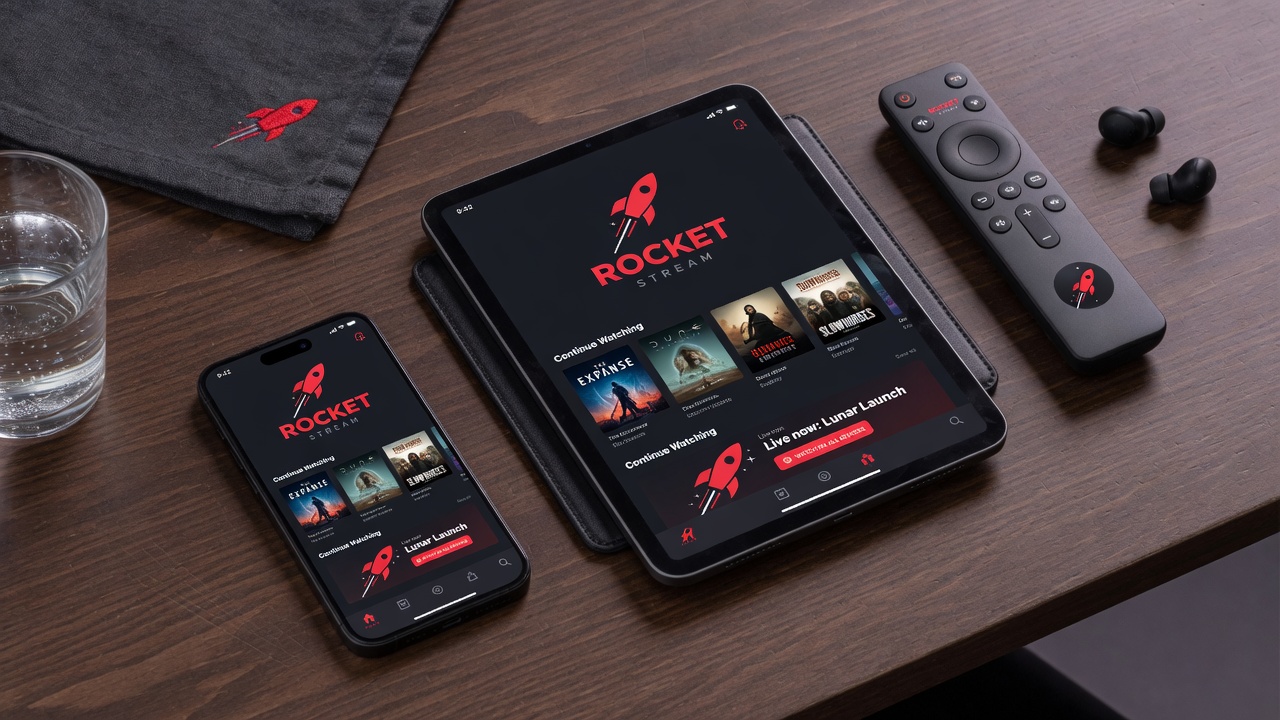
Add host, username, and password to RocketIPTV and test your Xtream panel connection.
Open guide →
Import an M3U or M3U8 IPTV playlist URL into RocketIPTV and verify channel groups.
Open guide →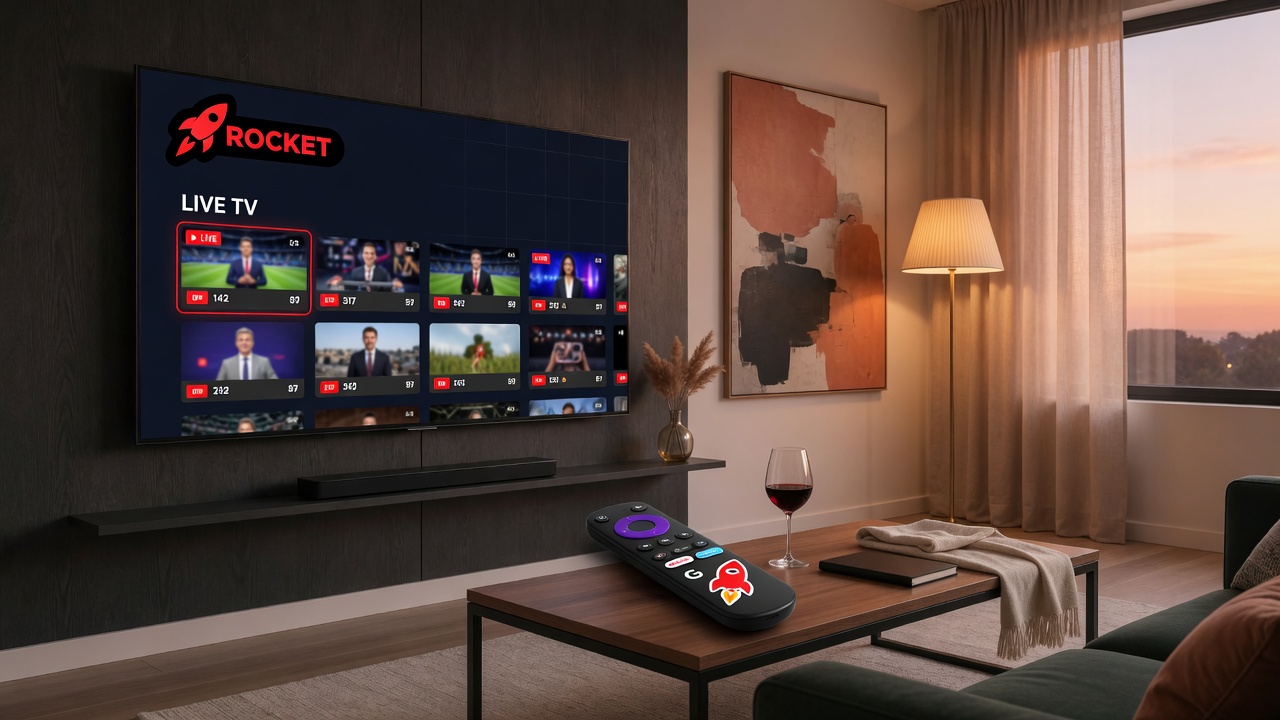
Connect Android TV to RocketIPTV using QR pairing so you never type playlist passwords on the remote.
Open guide →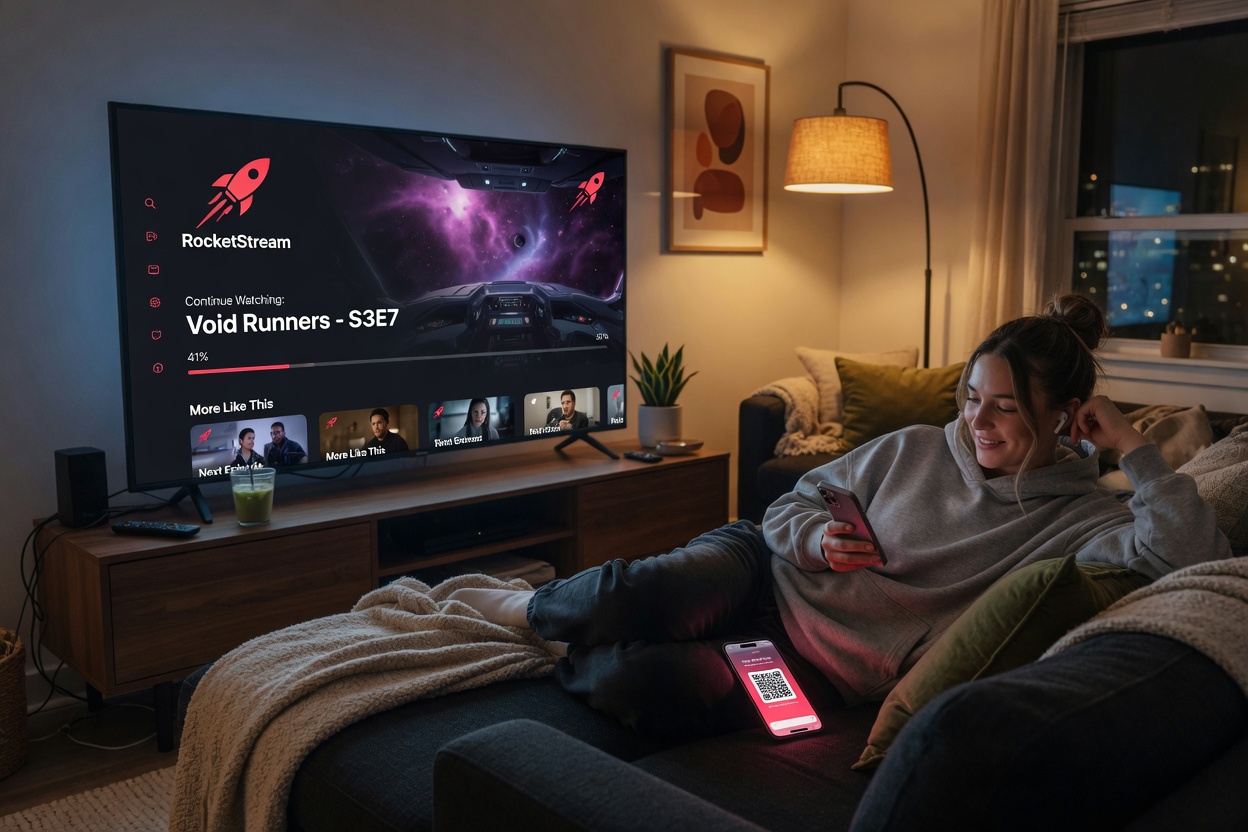
Link your phone to the same RocketIPTV account used on web and TV for synced playlists.
Open guide →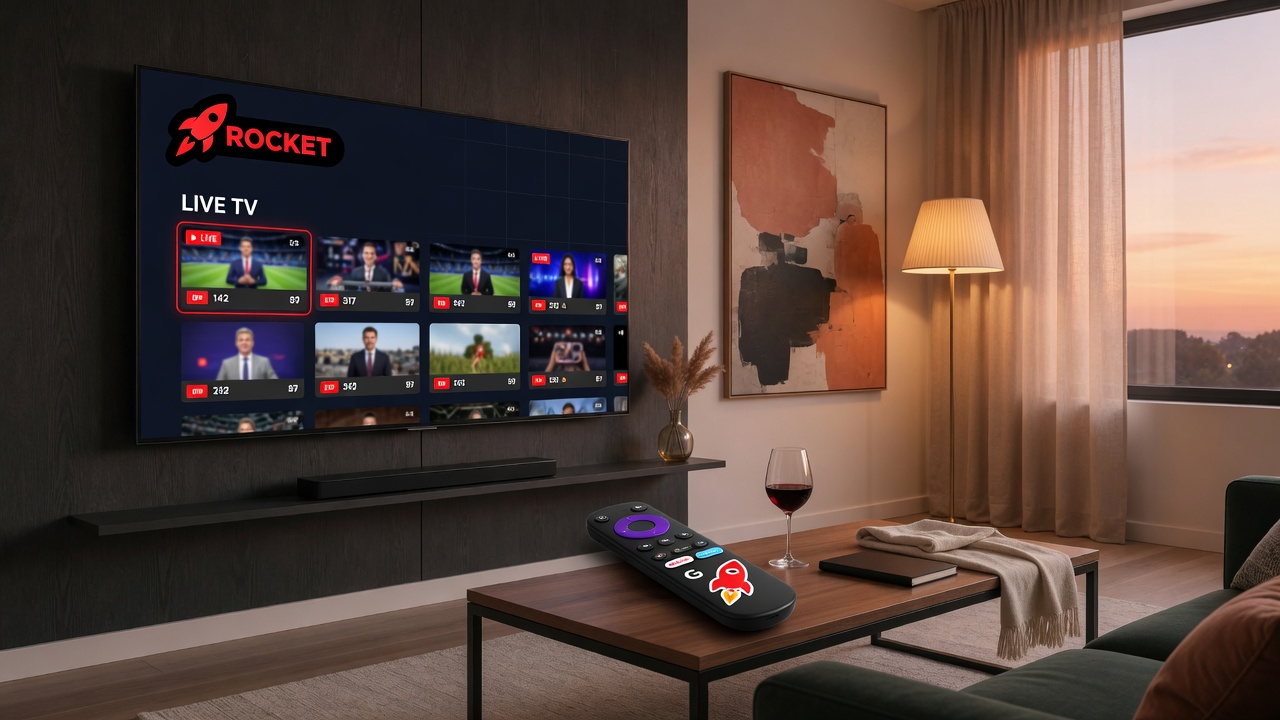
Navigate large IPTV catalogs faster with favorites, past searches, and continue watching.
Open guide →
Troubleshoot Xtream auth failures, dead M3U links, empty catalogs, and stream playback errors.
Open guide →
Open a VOD title in RocketIPTV to see TMDB-powered actors, directors, runtime, and posters.
Open guide →