How‑to
Pair a Mobile Phone with RocketIPTV
Link your phone to the same RocketIPTV account used on web and TV for synced playlists.
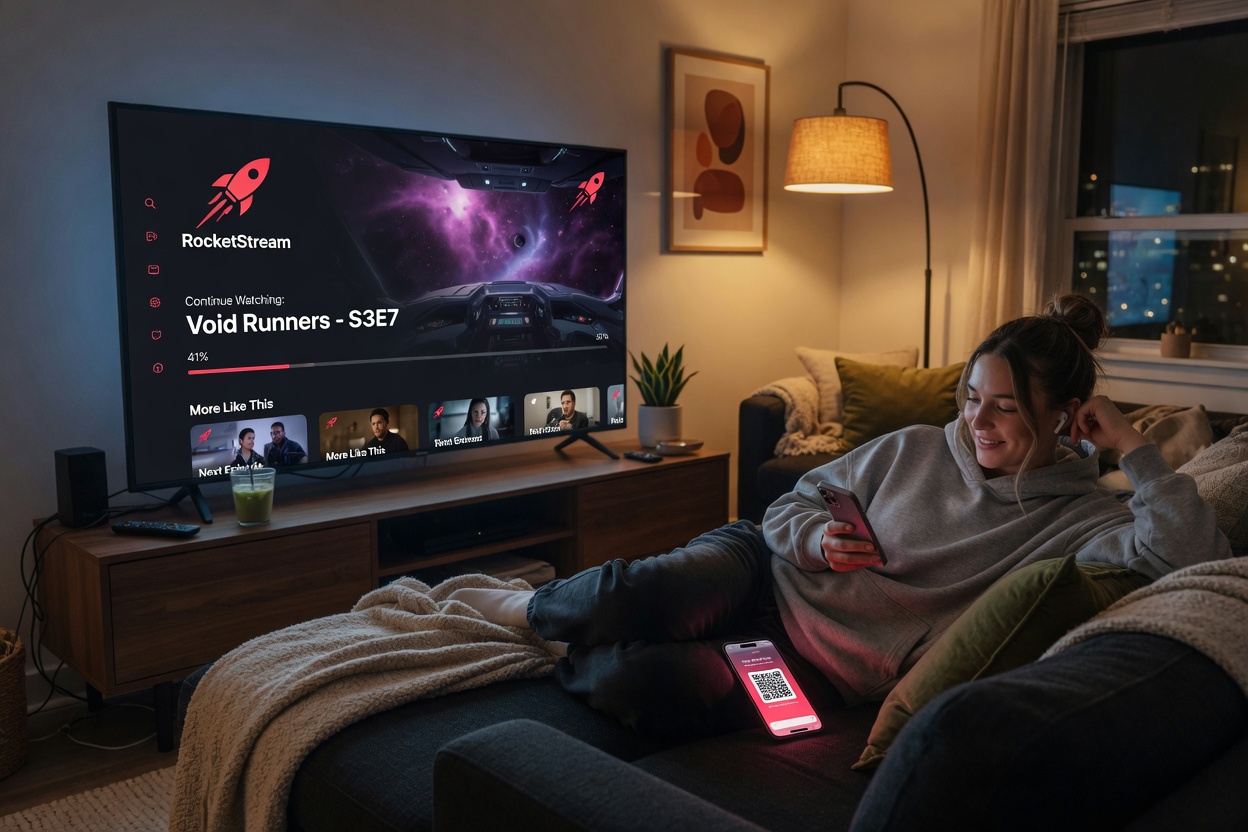
How do you pair a phone with RocketIPTV? Either sign in with the same email/password used on the web, or run the pair flow and claim the code on the web. After linking, pull to refresh so new playlists appear. Favorites and search history sync as lightweight text state.
- Open the mobile client.
- Sign in with email, or start pair and claim on web.
- Refresh catalog after web playlist changes.