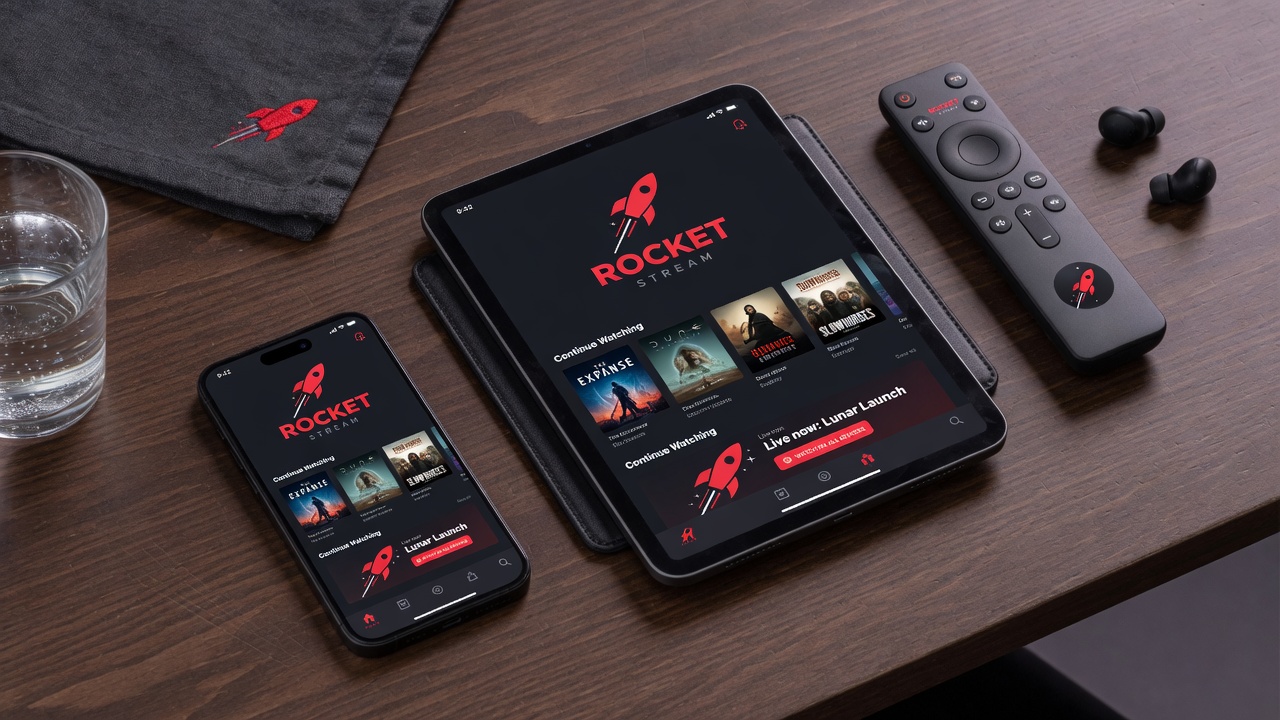
Xtream Codes vs M3U Playlists: Which Format Should You Use?
Xtream Codes uses host, username, and password. M3U is a playlist URL. Compare setup, EPG, VOD, and how RocketIPTV supports both for multi-device IPTV.
Read article →Blog
Practical IPTV setup explainers with clear answers up front—structured for classic search and AI Overviews.
Xtream Codes uses host, username, and password. M3U is a playlist URL. Compare setup, EPG, VOD, and how RocketIPTV supports both for multi-device IPTV.
Read article →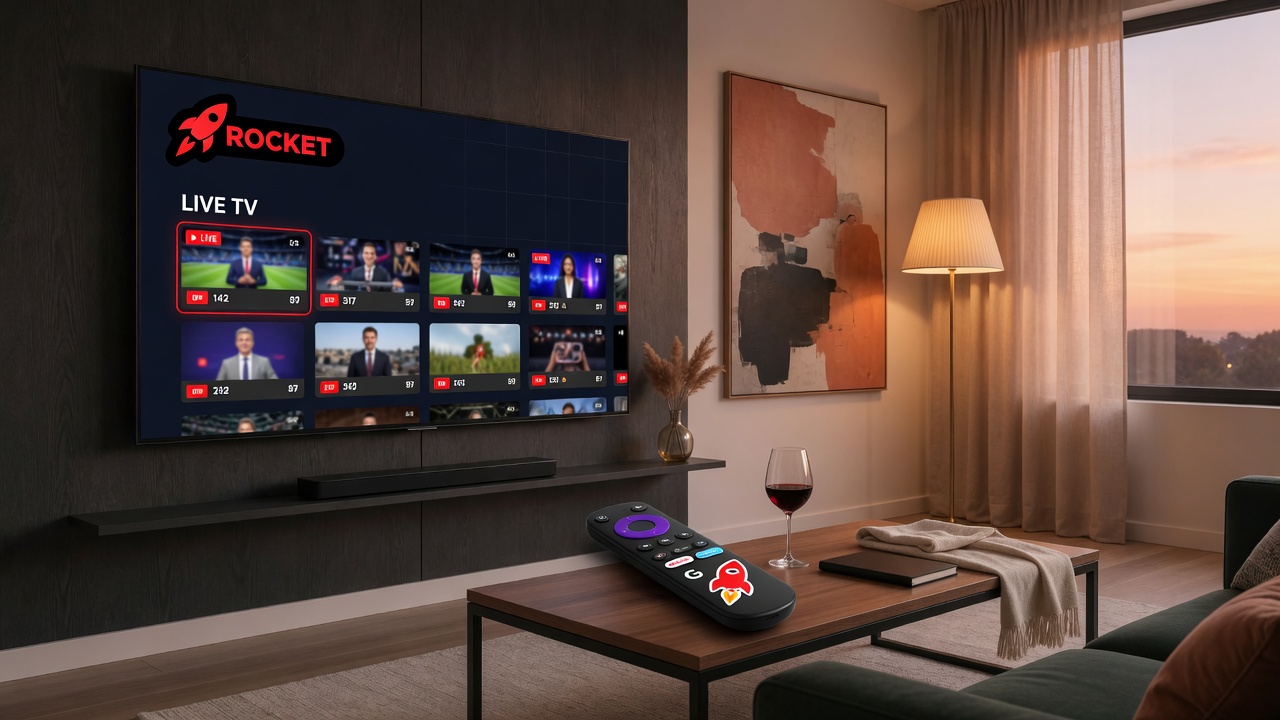
Pair RocketIPTV on Android TV with a QR code. Manage Xtream or M3U playlists on the web, then sign the TV in without the D-pad keyboard.
Read article →
Sync playlists, favorites, and watch history across web, mobile, and Android TV with one RocketIPTV account.
Read article →
How RocketIPTV encrypts playlist credentials with AES-256-GCM, what at-rest means, and hygiene tips for Xtream and M3U logins.
Read article →
Electronic Program Guide (EPG) explained: now/next, full grids, XMLTV mapping, and how RocketIPTV keeps guides lightweight on TV hardware.
Read article →
Learn how M3U IPTV playlists work, EXTINF tags, logos, groups, channel numbers, and how to import an M3U URL into RocketIPTV.
Read article →
Android TV sticks have limited RAM. Why RocketIPTV avoids DVR bloat and heavy caches for snappier channel surfing.
Read article →
How RocketIPTV QR pairing works: short codes, device secrets, one-time tokens, and why TVs should not store typed passwords.
Read article →
RocketIPTV is a player and playlist manager—not a channel provider. Understand legal responsibility when adding Xtream or M3U sources.
Read article →
Many IPTV panels ship bare movie titles. RocketIPTV enriches VOD with TMDB metadata—cast, directors, runtime, and artwork.
Read article →