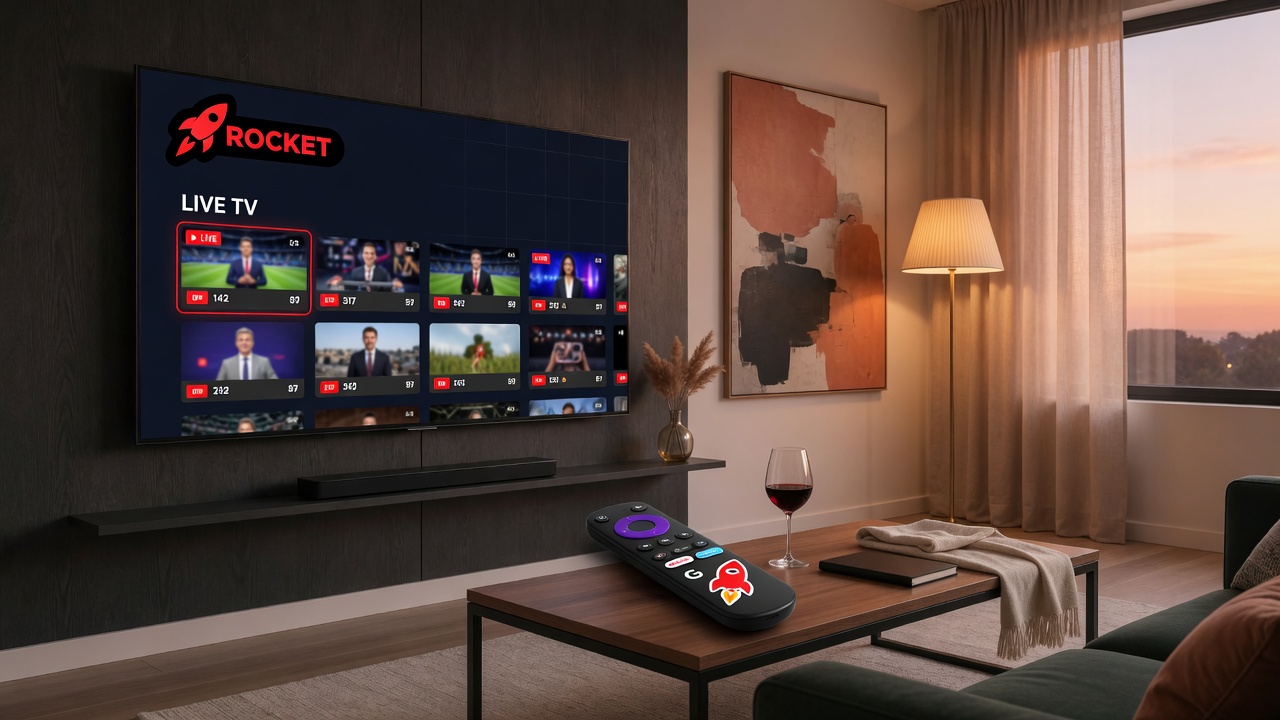
How do you set up IPTV on Android TV without typing passwords? Use a QR pairing flow. Sign in and add playlists on a phone or laptop, open RocketIPTV on the TV, display a short code or QR, then claim the session on the web. The TV receives your account and catalog without D-pad password entry. This is the same pattern major streaming apps use for living-room devices.
Why Android TV remotes are bad for credentials
Hostnames, ports, and long passwords are error-prone on a remote. Mistakes look like “dead playlists” when the real issue is a typo. Separating admin (web) from playback (TV) removes that failure mode.
What is the RocketIPTV pairing sequence?
- Create an account at app.rocketiptv.cc.
- Add and test Xtream or M3U playlists on the web.
- On Android TV, open RocketIPTV → Pair device.
- On web, open Pair, scan QR or enter the code.
- Refresh the catalog on the TV and start watching.
Deep walkthrough: Pair Android TV with QR. Security design: QR pairing explained.